

Ace Live Coding & System Design Interviews with Real-Time AI Teleprompter
A stealth Windows desktop copilot that listens to your interviewer's audio in real-time, transcribes questions instantly, and projects code solutions, algorithmic complexity, and architecture diagrams onto a private, screen-share-invisible HUD.
 InterviewCracker HUD
WDA_EXCLUDEFROMCAPTURE
InterviewCracker HUD
WDA_EXCLUDEFROMCAPTURE
The interviewer and screening tool see only your clean IDE editor or browser window. The HUD window is rendered on a dedicated hardware layer excluded from OS screen capture buffers.
A subtle, translucent heads-up teleprompter floats right over your screen. You can control opacity, move anywhere with mouse drag, or toggle instant hide via Ctrl+Alt+H.
How Interview Cracker Works in 3 Simple Steps
Zero complicated configurations. Works with any meeting tool, coding platform, or phone interview.
Download & Sign In
Download the Windows installer (InterviewCracker-Setup.exe) and install it in seconds. Sign in using your existing MockAttempt account. Your 15-minute free trial is already waiting for you.
Join Meeting & Launch HUD
Enter your Zoom, Microsoft Teams, Google Meet, or HackerRank call. Turn on the floating teleprompter overlay. Thanks to Windows window exclusion technology, your shared screen never displays the teleprompter.
Speak With Confidence
As your interviewer explains complex technical problems, Interview Cracker listens through your headphones, writes out the optimal algorithms, points out edge cases, and crafts articulate responses for you.
See Interview Cracker in Live Action
Explore actual application screenshots from live candidate rounds — from invisible teleprompter overlays to real-time algorithmic problem solving.
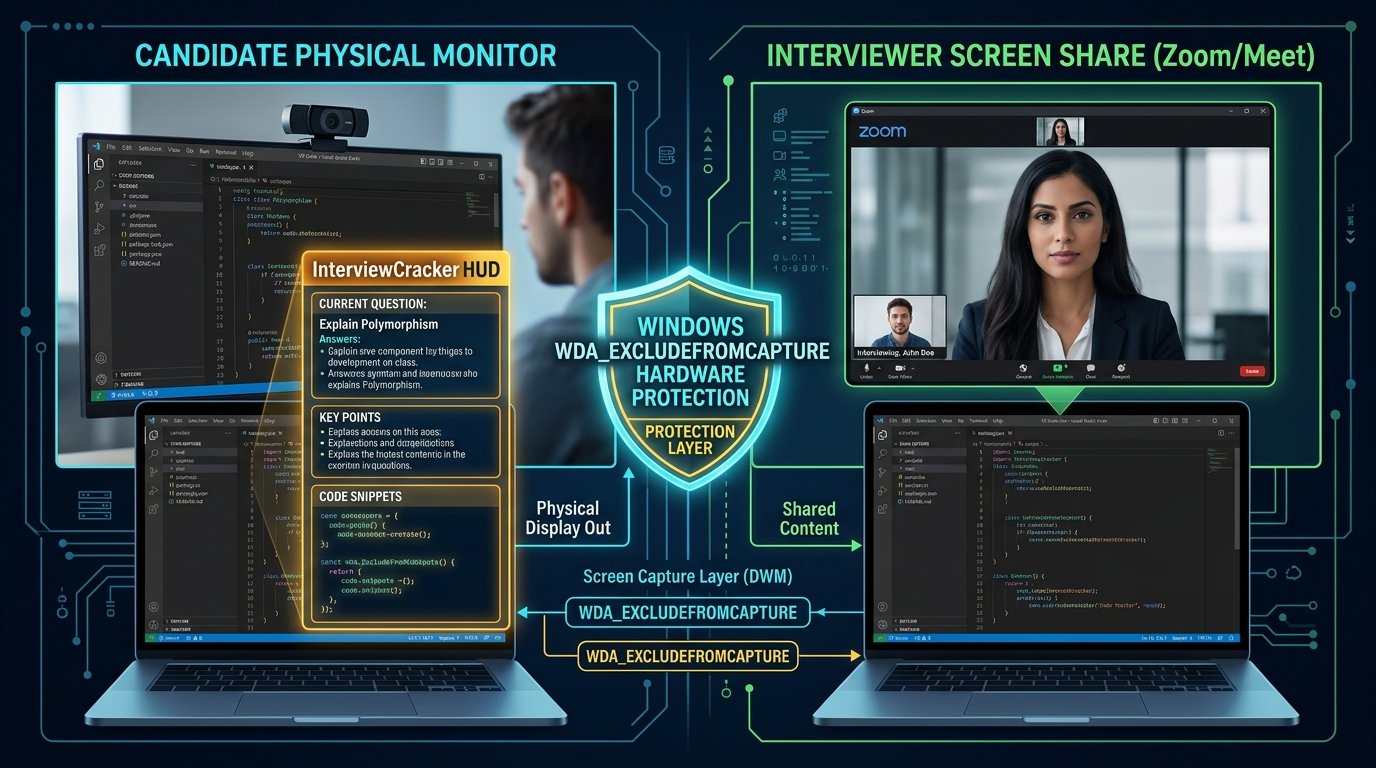
Screen-Share Invisible Stealth Teleprompter
Uses native Windows Display Affinity (WDA_EXCLUDEFROMCAPTURE) to guarantee your teleprompter HUD is strictly invisible on Zoom, Microsoft Teams, Google Meet, and Webex screen sharing.
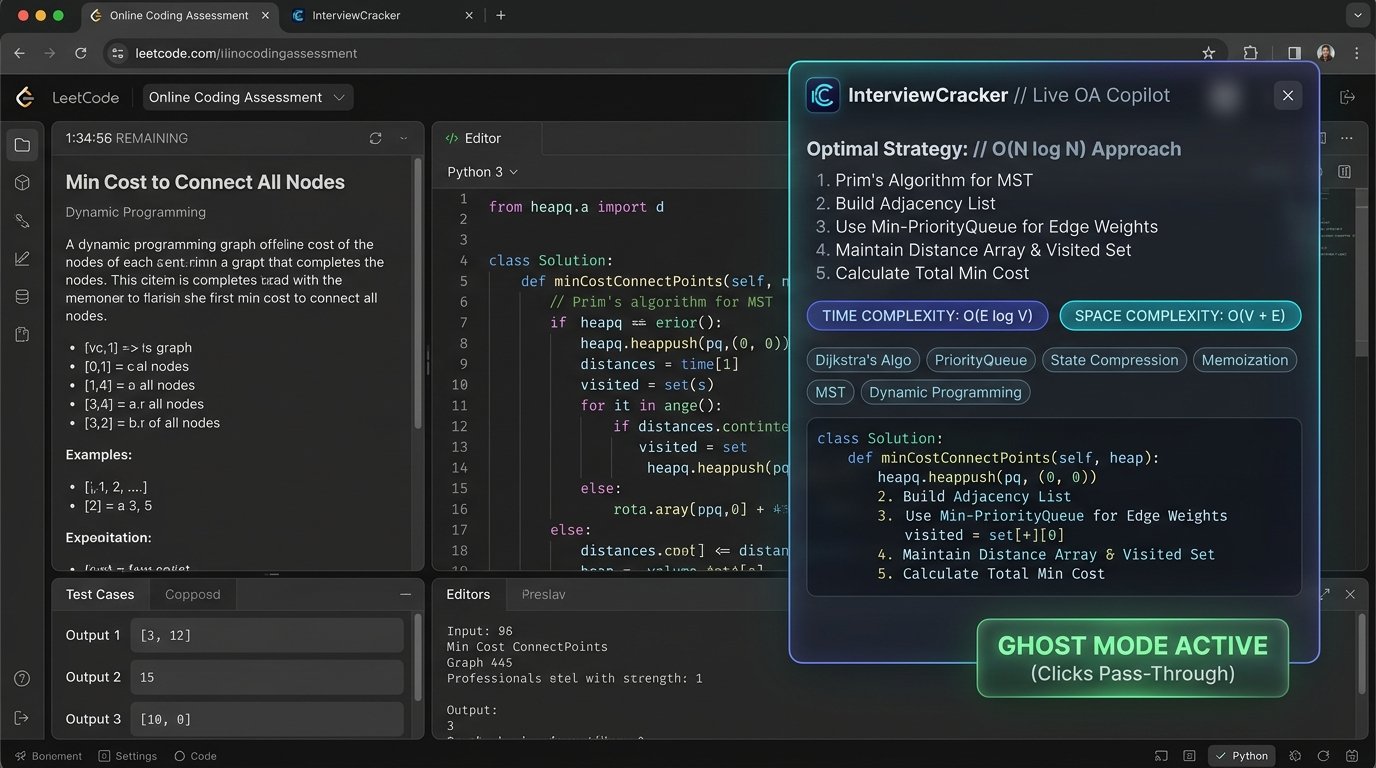
Online Assessment & Live LeetCode Solver
Automatically parses complex coding prompts and streams clean, bug-free implementations in Python, Java, C++, TypeScript, or Go with step-by-step Big-O algorithmic breakdown.
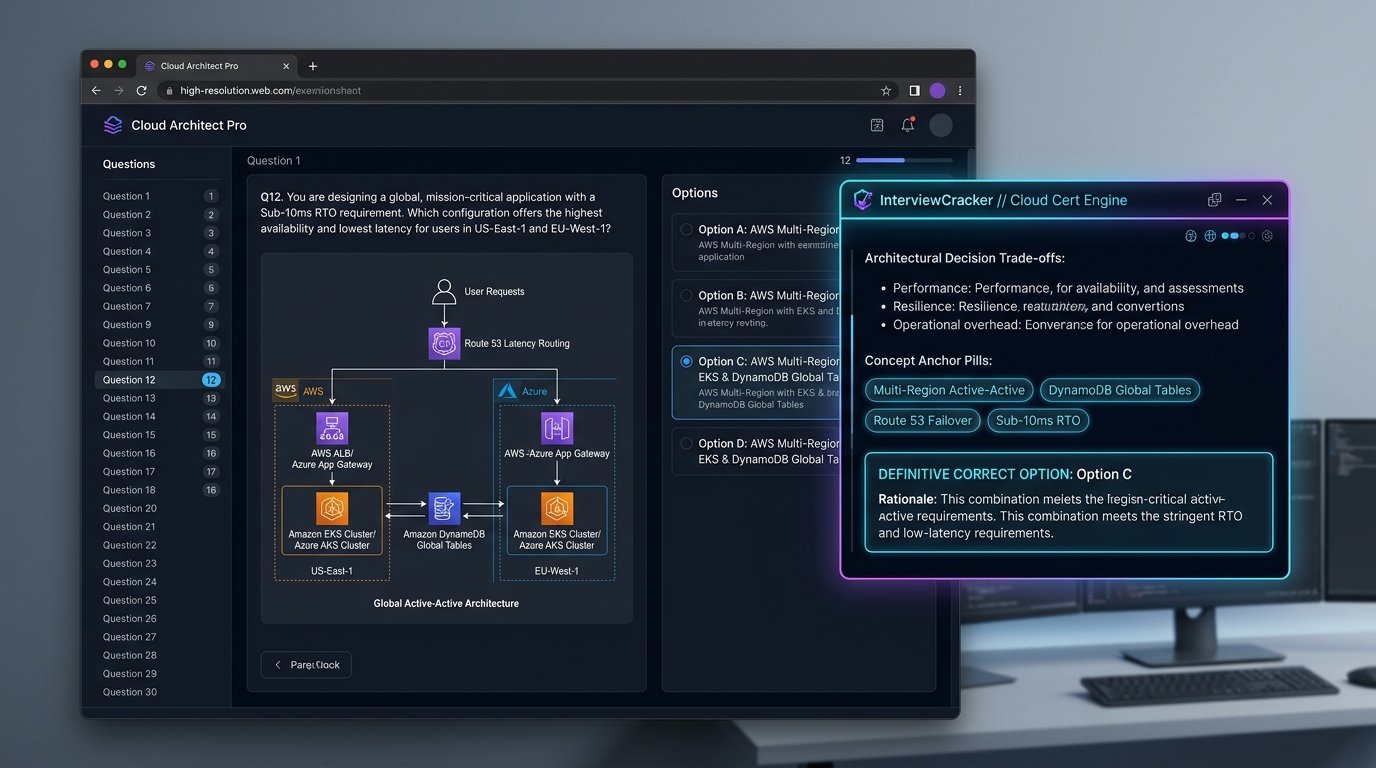
High-Level Architecture & Database Schemas
Projects real-time database schemas, microservice topologies, Redis caching layers, message queues (Kafka/RabbitMQ), and CAP theorem trade-offs for L5/L6 senior rounds.
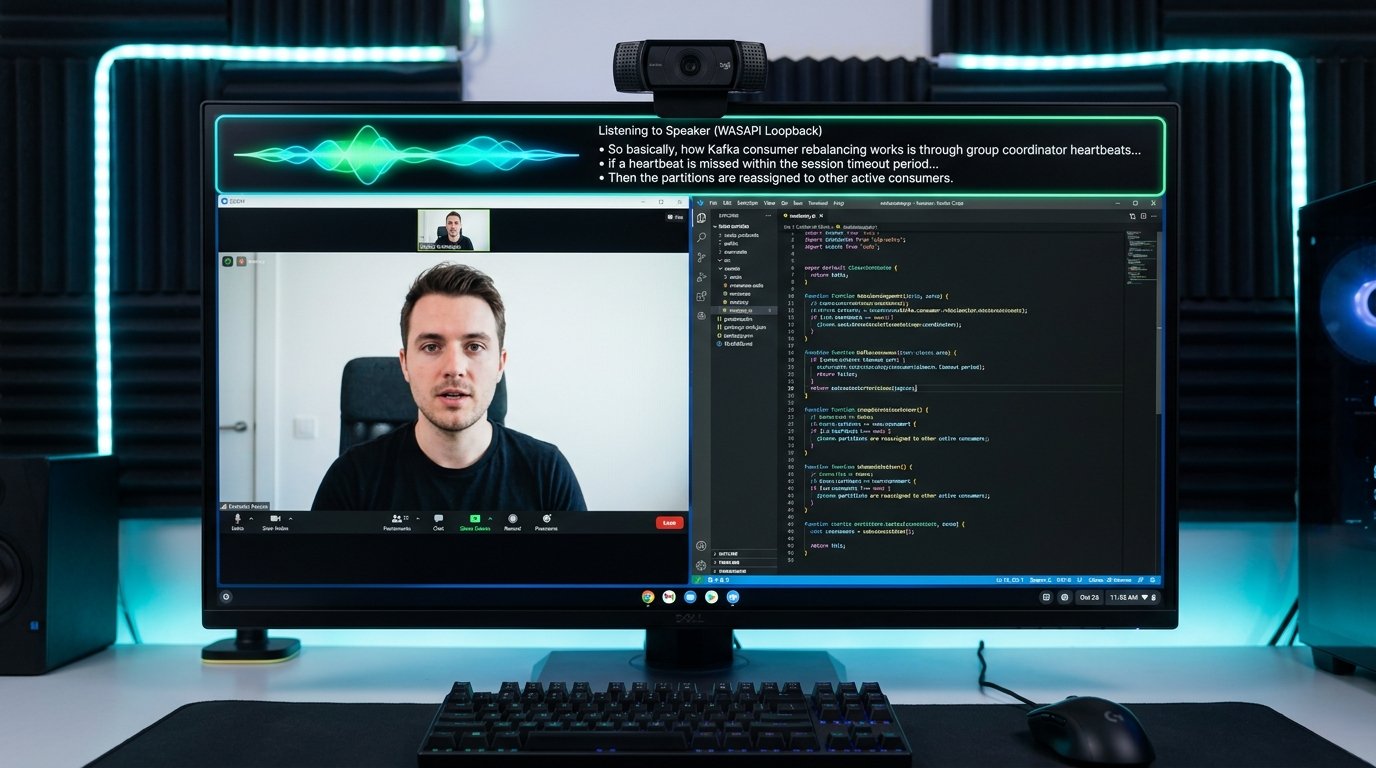
Zero-Latency Hardware Audio Interception
Intercepts outgoing speaker and headphone audio directly via Windows WASAPI loopback without installing virtual audio drivers or requiring separate microphones.
Engineered with Defense-Grade Audio & AI Stack
Every layer of Interview Cracker was designed from the ground up for zero latency, rock-solid stability, and total stealth.
Hardware Loopback Audio Interception
Directly intercepts interviewer speech from your headphones or speakers with zero echo, delay, or complex virtual audio cables.
Screen-Share Invisible Stealth HUD
Floating translucent teleprompter window equipped with OS window capture exclusion. Completely invisible on Zoom, Teams, Google Meet, and Webex screenshares.
Live Algorithm & DSA Problem Solver
Instantly generates clean, optimal code with line-by-line breakdown, time/space complexity analysis (Big-O), and edge cases for LeetCode/HackerRank rounds.
System Design & High-Level Architecture
Real-time database schemas, caching strategies, load balancer topologies, and scalability trade-offs mapped specifically to your interview question.
Instant 15-Minute Free Trial Pass
Every new registered account automatically receives 15 minutes of free interview time. Test it risk-free in a mock interview before high-stakes rounds.
Cryptographic Anti-Tamper Security
End-to-end HMAC request signing, V8 bytecode obfuscation, and zero server logging of your proprietary interview conversations or audio streams.
Transparent Hourly Passes. No Subscriptions.
All upgrades happen safely on our official website. Once paid, your InterviewCracker desktop app auto-syncs your balance within seconds.
1-Hour Sprint Pass
1 HourSingle Online Assessment or screening round
- 60 Minutes metered interview time
- Direct audio loopback interception
- DSA + Live coding optimal solutions
- Screen-share invisible stealth HUD
- Pause & resume timer anytime
3-Hour Multi-Round Pass
3 HoursDSA, live coding, and technical system design rounds
- 180 Minutes metered interview time
- Priority low-latency AI gateway
- Full System Design & architecture schemas
- Speaking script with natural phrasing
- Extended 20s reading grace window
5-Hour Marathon Master Pass
5 HoursFull company onsite loops & multiple technical rounds
- 300 Minutes maximum balance allowance
- All 24+ languages (Python, Java, C++, TS, Go, etc.)
- Extended 25s reading grace window
- Multi-device account synchronization
- 1-Hour engineering support SLA guarantee
Download Interview Cracker for Windows
Includes the complete stealth teleprompter client, loopback audio bridge, and auto-provisions your 15-minute free trial upon sign-in.
Frequently Asked Questions
Q: How do I download and install Interview Cracker?
Click the "Download for Windows (.exe)" button above or visit mockattempt.com/downloads/InterviewCracker-Setup.exe. Run the installer, sign in with your MockAttempt account email and password, and the assistant is ready to use immediately.
Q: Can the interviewer or meeting platform detect the overlay?
No. Interview Cracker uses Windows Display Affinity (WDA_EXCLUDEFROMCAPTURE) to exclude its window from all screen captures. Even if you share your entire desktop or active screen on Zoom, Google Meet, Microsoft Teams, or Webex, the overlay remains visible only to your physical monitor.
Q: How does the free trial work?
When you register an account on MockAttempt, a 15-minute trial pass is automatically provisioned and tied to your account. When you log into the desktop application, your pass timer will begin only when you actively start the copilot session.
Q: How do I recharge my pass from the desktop app?
Inside Interview Cracker, click "Recharge Pass" or select any tier (₹500, ₹1,200, or ₹2,000). The app safely redirects you to our official web checkout portal right here on mockattempt.com. Complete your payment via UPI, Cards, NetBanking, or Wallets, and your desktop app will auto-sync your new balance within seconds without closing your interview session.
Q: Can I use my account on multiple laptops or locations?
Yes! Multi-device access is supported. You can log into your laptop, desktop, or work machine using your credentials and your remaining pass time syncs automatically.
Q: What are the minimum system requirements?
Interview Cracker runs on Windows 10 or Windows 11 (64-bit). It requires an active internet connection and a working microphone and speaker or headset.